
Confirmation of Settled Status for College — Share Code, step by step
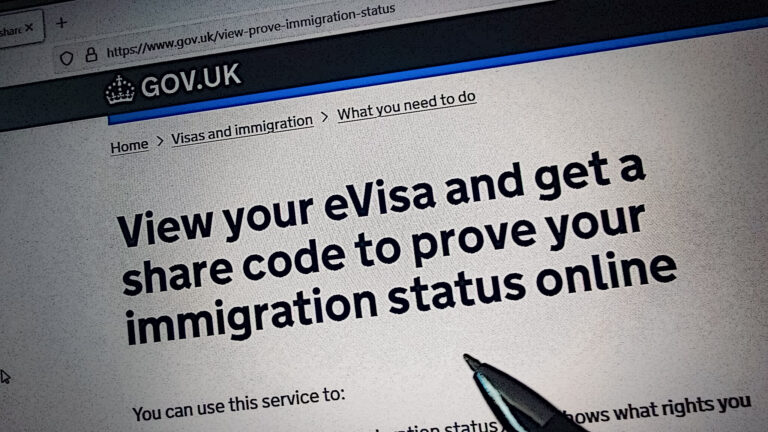
We present a step-by-step guide on how to generate the correct code for the college, confirming your Settled Status or Pre-Settled Status in the United Kingdom.
Please visit the website https://www.gov.uk/view-prove-immigration-status titled “View your eVisa and get a share code to prove your immigration status online” and click the green [Sign in] button.
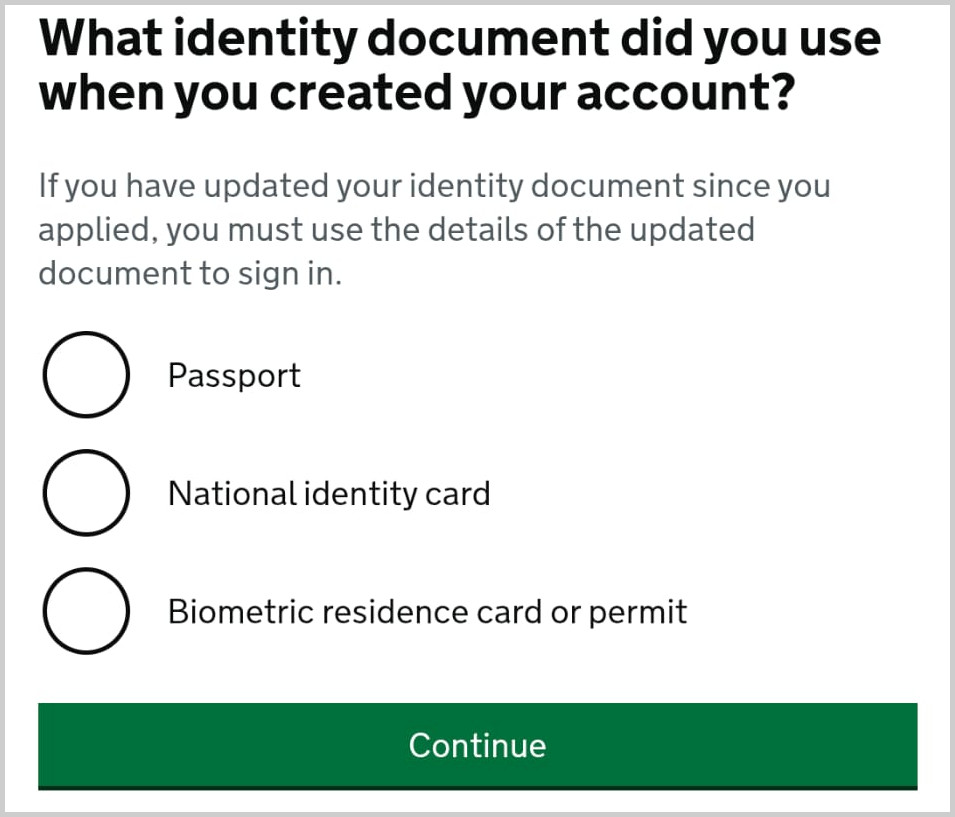
Step 2: What identity document did you use in your application?
Please select from the list the exact same document that you used previously to register your application — such as a passport, identity card, or BRP card — and then click [Continue]. See the image below.
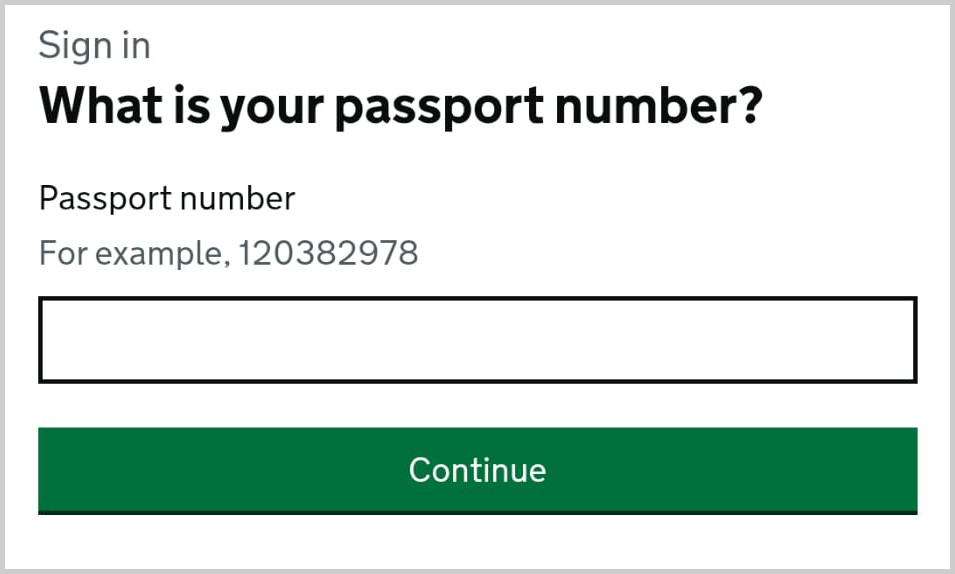
Step 3: What is your passport number?
In the next step, enter the number of that document (e.g. passport) and click [Continue]. See the image below.
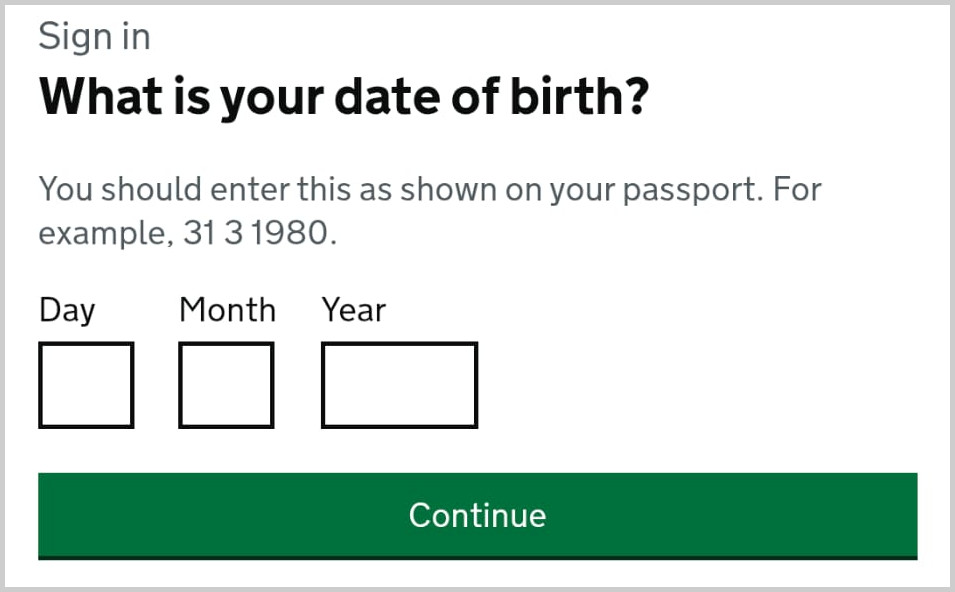
Step 4: What is your date of birth?
Provide the date of birth that appears on the document and click [Continue]. See the image below.
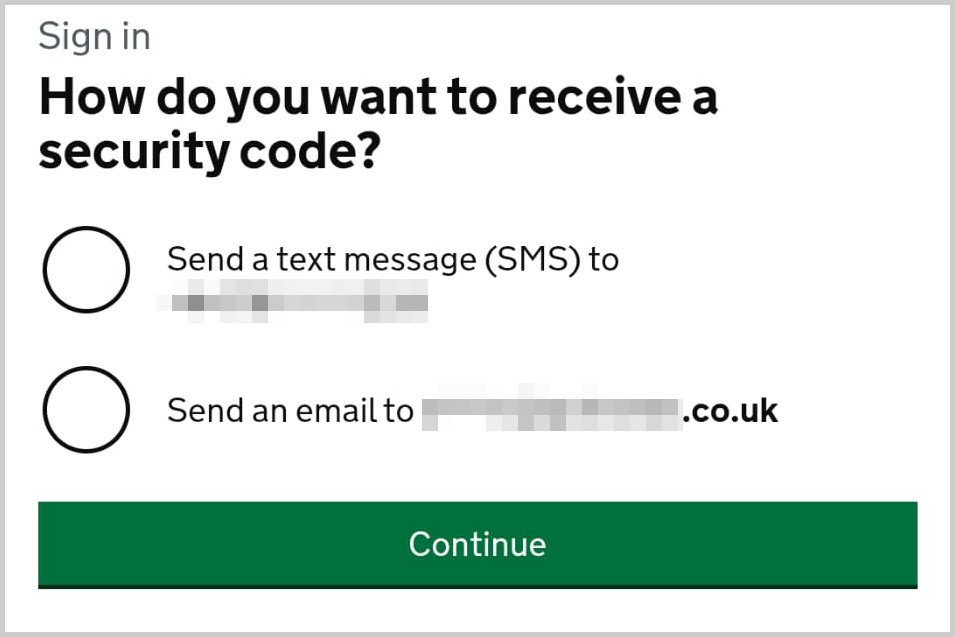
Step 5: How do you want to receive a security code?
Select whether you would like the security code via SMS or email, and click [Continue]. After a moment (up to a few minutes), you will receive the code; enter it in the box and click [Continue]. See the image below.
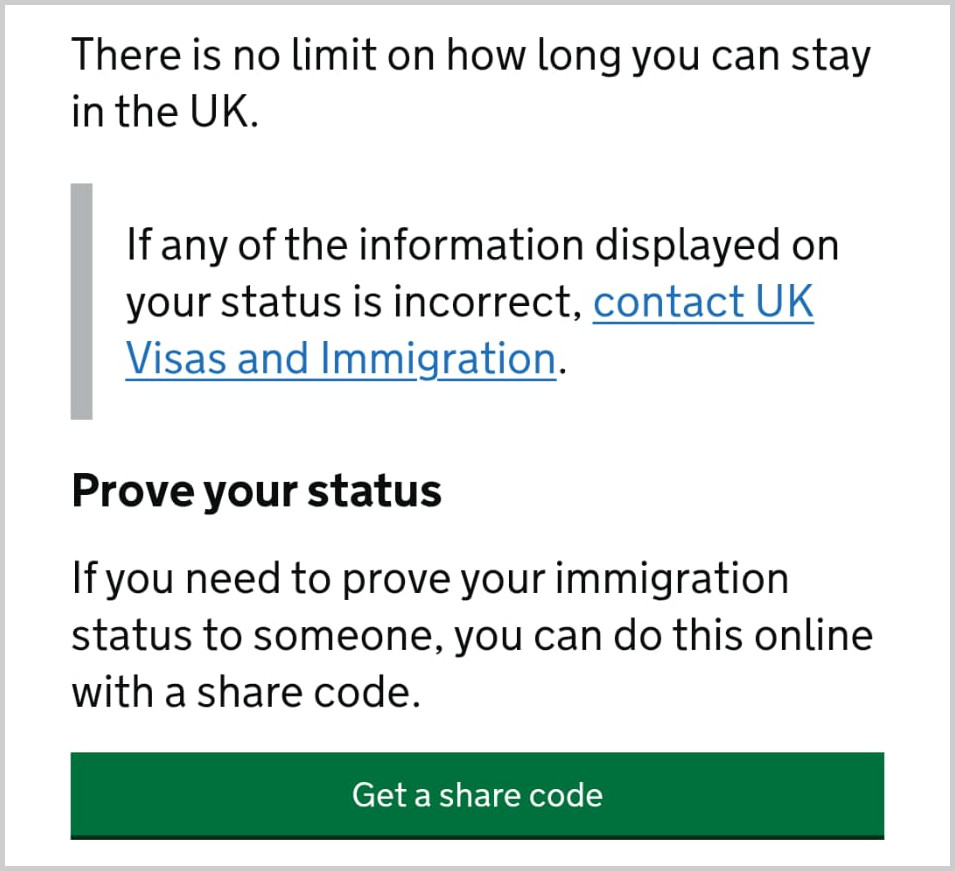
After successfully entering the verification code, you will be taken to the page titled ‘Your immigration status’. Below, in the section ‘Prove your status’, click [Get a share code]. See the image below.
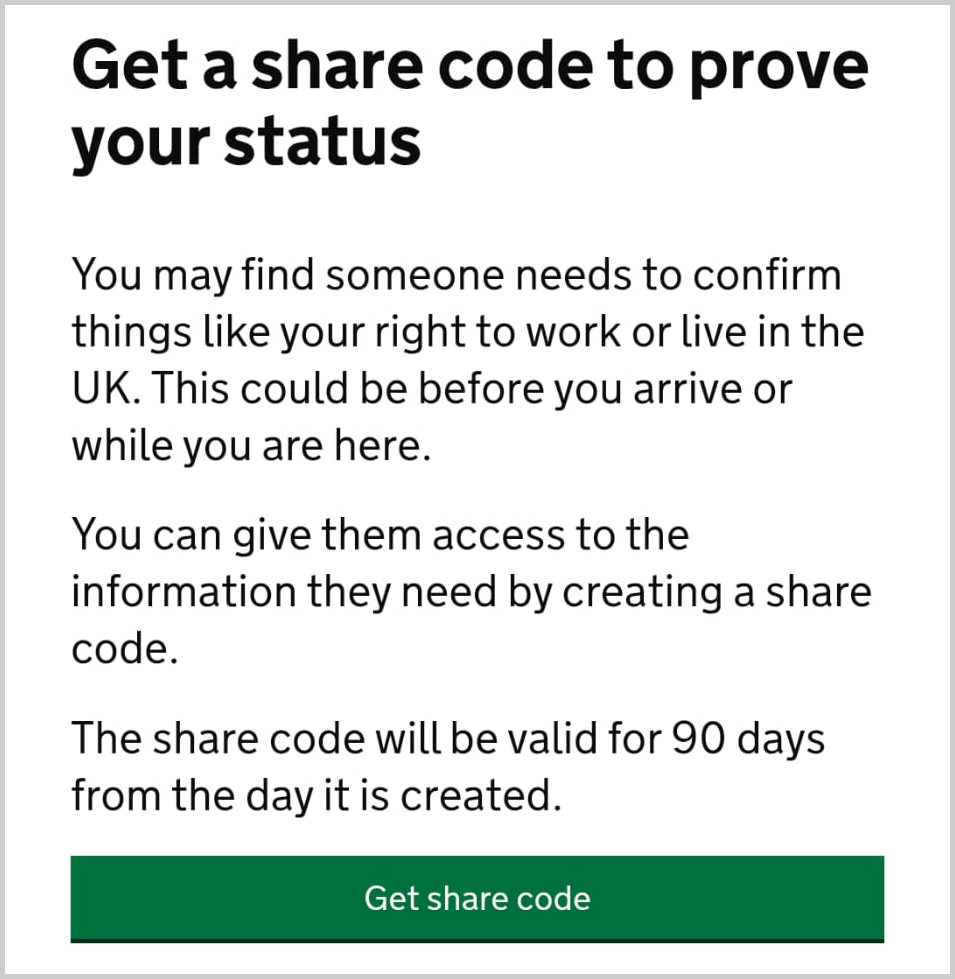
Step 7: Get a share code to prove your status
To generate the share code that confirms your right to reside in the UK, click [Get share code]. See the image below.
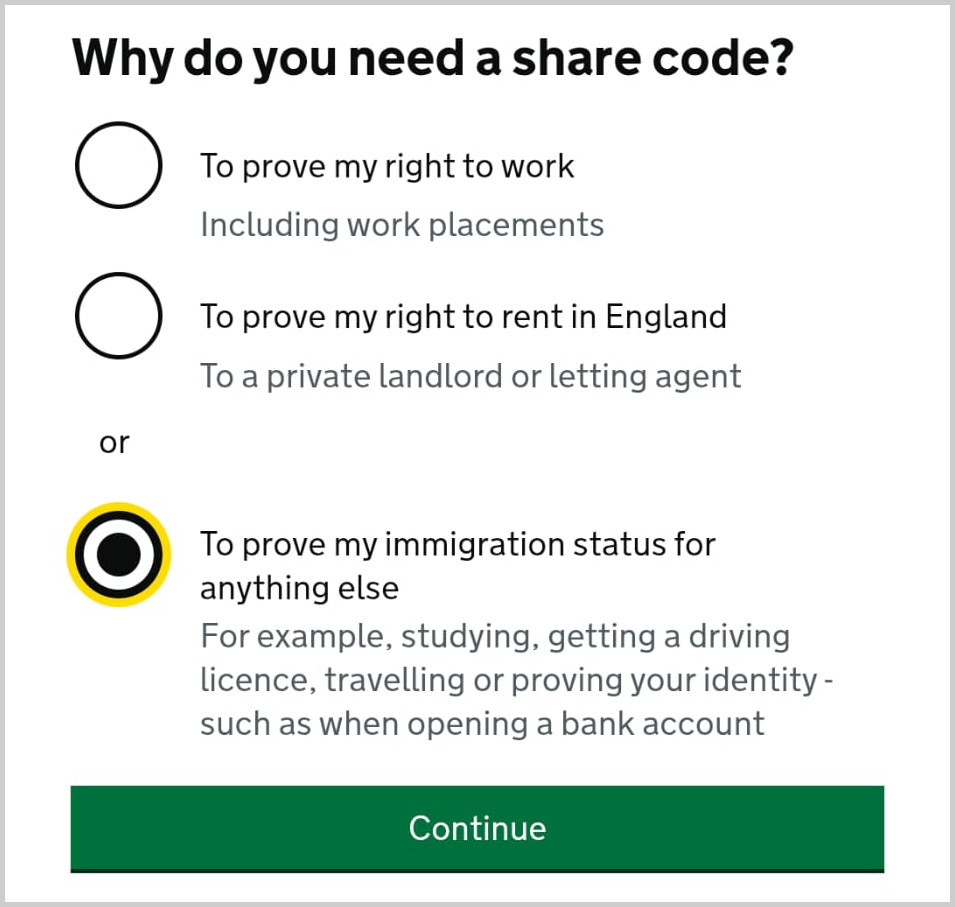
Step 8: Why do you need a share code? NOTE!
Select the option ‘To prove my immigration status for anything else’ (the first two options confirm something different) and click [Continue]. See the correct example below.
Step 9: This is what the checker will see
On the next page you will see what information will be visible to the person verifying your status. To share it, click [Create share code] at the bottom of the page. See the image below.
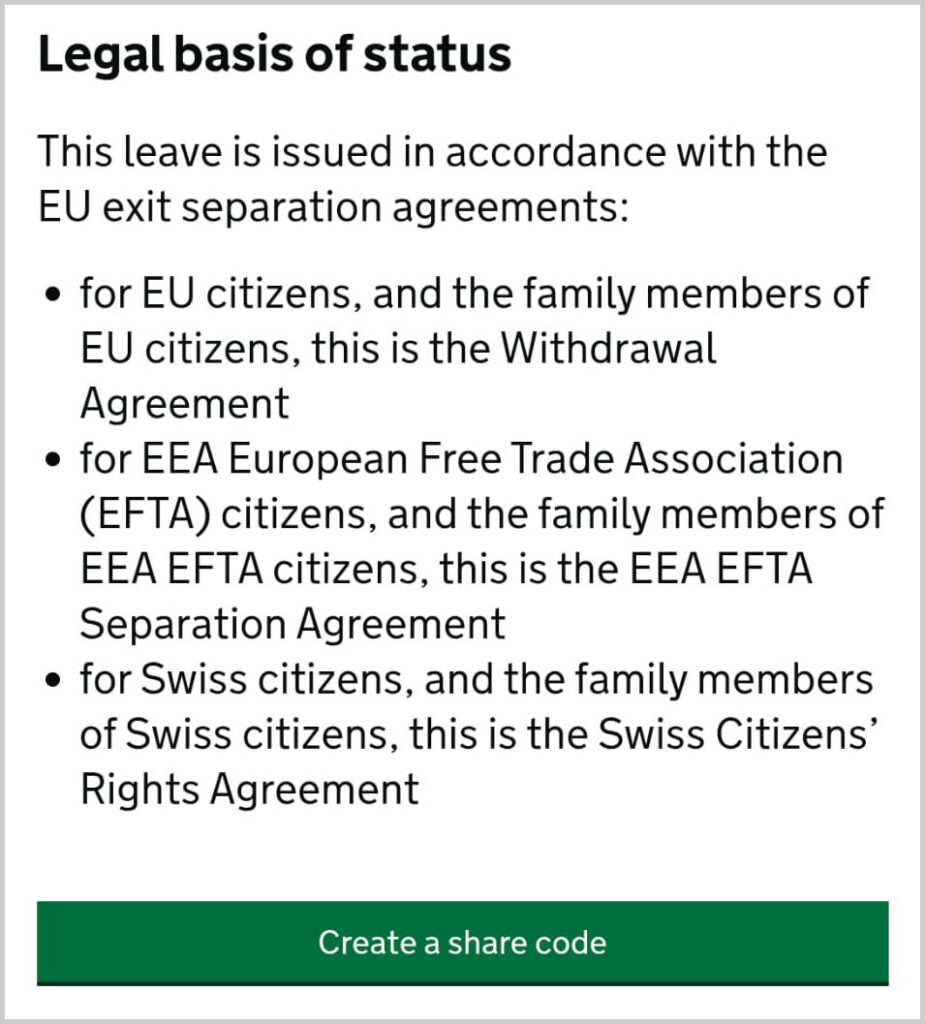
Step 10: Details you need to share
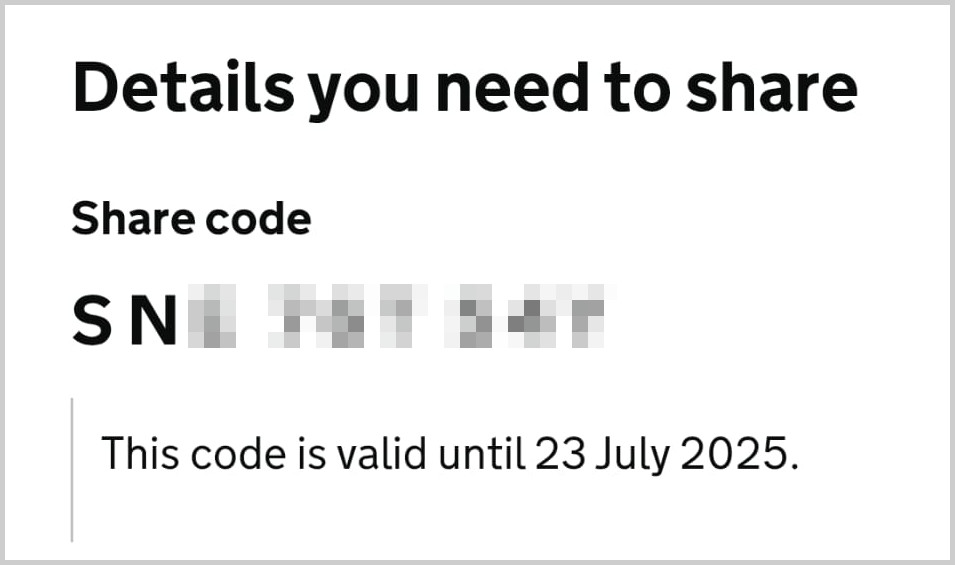
Finally, you reach the page titled ‘Details you need to share’, where you will find the generated share code, valid for 30 days. Send this code to the college administration to confirm your right to free education in the United Kingdom. See the image below.
More guides
English course “Functional Skills” — basic information
Thank you for your interest in the free English course "Functional Skills". This course is for individuals who are at least 19 years old…
View guide
Who can get FREE Functional Skills courses in the UK?
You had questions about free courses. Here is a short info. Functional Skills courses in the UK are free for many groups of learners.
View guide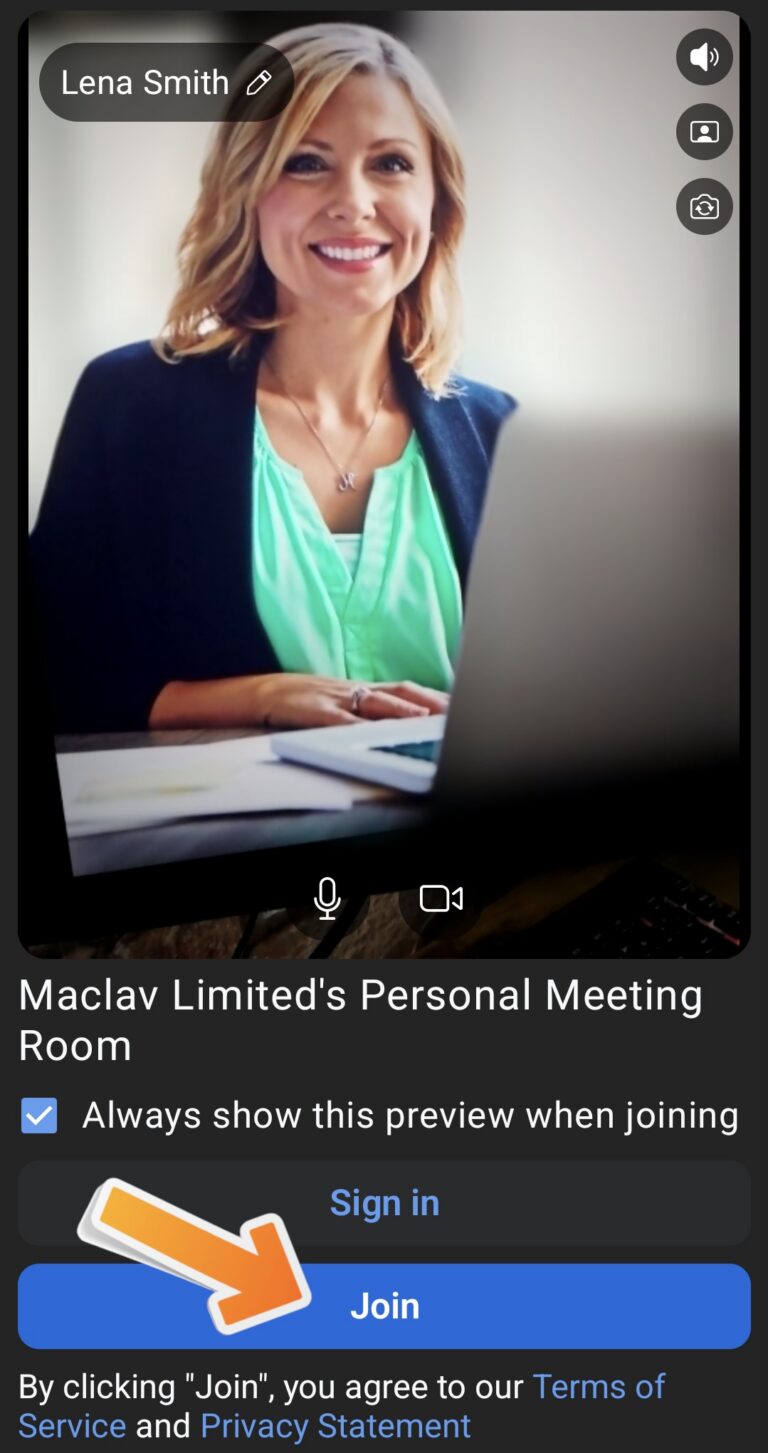
Problem connecting to Zoom — “Black Screen”
Help for students who see a black screen when trying to connect to Zoom for their Open Day or class session.
View guide